

BangaWin Casino on a Smartphone From the First Visit to a Withdrawal in a Mobile Browser Without an App
BangaWin Casino has no app in the App Store or Google Play, no official APK and no installable PWA version. Everything you do on a computer, you do in the browser on a phone: registration, the cashier, verification, games and chat. A detailed assessment of the promotions, VIP programme and licence is on the BangaWin Casino front page, while here I followed a mobile player’s route from first opening the site to a withdrawal request.
What Can Be Installed
Nothing is available to install for BangaWin Casino. The only option is the mobile version of the site in Safari, Chrome, Firefox or another browser, which you can pin manually as a shortcut on your home screen. The operator does not publish minimum iOS and Android versions, and all you need is an up-to-date browser and a stable connection. No phone storage is used, and updates are released on the server.
Any file posing as a “BangaWin APK” on forums, in messaging apps or on third-party sites does not belong to the operator. To install it, you would have to allow installation from unknown sources and enter your Email, password and payment details into an unknown program. It is best to type the site address yourself.
Step 1. Pin the Site to Your Screen
iPhone and iPad
- Open the site in Safari.
- Tap “Share”.
- Choose “Add to Home Screen” and tap “Add”.
Android
- Open the site in Chrome.
- Tap the 3-dot menu.
- Choose the option to add it to the home screen and confirm.
The shortcut opens an ordinary page rather than a separate app. It does not work offline, and after launching it you sometimes need to log in again.
Step 2. Register or Log In
The Create account form on a phone is the same as on a computer: Email, password, country, EUR currency and phone number. The SMS code arrives on the same smartphone, so confirmation takes seconds. You log in only with your Email and password, there is no separate device confirmation, and the built-in password manager in Safari or Chrome can fill in your details. If you forget your password, the reset link goes to the email in your profile, and without access to the mailbox the live chat remains.
An important detail for mobile players: the 150% first-deposit match lasts only 60 minutes after registration, so it is convenient to create an account and fund it straight away.
Step 3. Fund Your Account
The mobile cashier supports all 8 deposit methods and 7 withdrawal methods. On a phone, Skrill, Neteller and MiFinity are the most convenient: the payment is confirmed in the wallet app without entering a card, and Skrill and Neteller also unlock High Roller from €300. After confirmation, the browser takes you back to the site. Paysafecard is deposit-only, so choose a withdrawal method in advance.
Step 4. Play
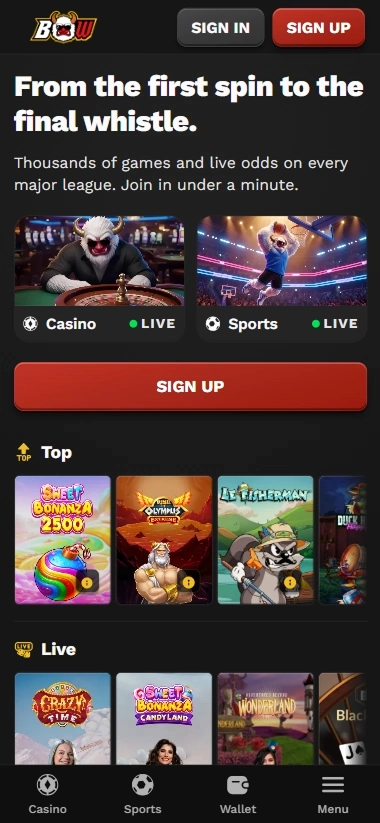
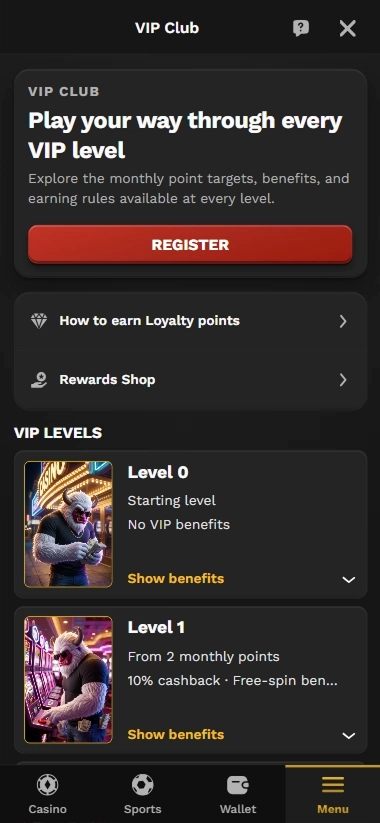
Slots, live tables and crash games open in the browser, and the library is the same as on a computer. Book of Dead, Big Bass Bonanza 1000, Wanted Dead or a Wild and Sun of Egypt 5 launch right in the tab. Live tables from 5 studios need stable Wi-Fi, as a dropped connection may leave a round unfinished. The menu folds into a side panel with casino, live casino, sports, promotions and VIP Shop sections, and the 14 languages can be switched in the header without losing your session.
Step 5. Get Verified and Withdraw
KYC documents are easy to photograph with your phone camera and upload in your account. A withdrawal request is made in the same mobile cashier with the method you deposited with. There is one profile for all devices, so your balance, VIP tier, verification status and limits stay the same when you move to a computer.
Where the Browser Falls Short of an App
- No push notifications. Promotion news arrives by Email only, so you will have to remember yourself when Weekend Reload starts on Friday.
- No offline mode. Neither the shortcut nor the site works without the internet.
- The session is not always kept. After launching from the shortcut, you sometimes need to log in again.
Gambling Controls on a Phone
All tools work in the mobile account: daily, weekly and monthly deposit limits, Time-out and Self-exclusion for 1 year or permanently. The support chat opens with a button in the corner of the screen on top of the current page, including the cashier.

If Something Does Not Work
| Situation | What to do |
|---|---|
| Buttons or games display incorrectly | refresh the page, then clear the cache and log in again |
| The shortcut asks you to log in again | this is how the browser session behaves |
| A round or payment did not complete | check your connection and the cashier history, then write to the chat |
| Email already in use | log in to the existing account or recover the password |
Mobile Version Verdict
On a smartphone, you can complete the whole BangaWin Casino journey: registration with an SMS code, an e-wallet deposit, play, document upload and a withdrawal. The browser falls short of an app only in minor ways such as push notifications and session saving, and third-party APKs are best left uninstalled altogether.